Marathon's Server Slam is live, and a lot of PC players can't use their mouse. Reports range from stuttering cursors and menus opening on their own to completely unresponsive input. For some, basic inventory management is impossible without plugging in a controller.
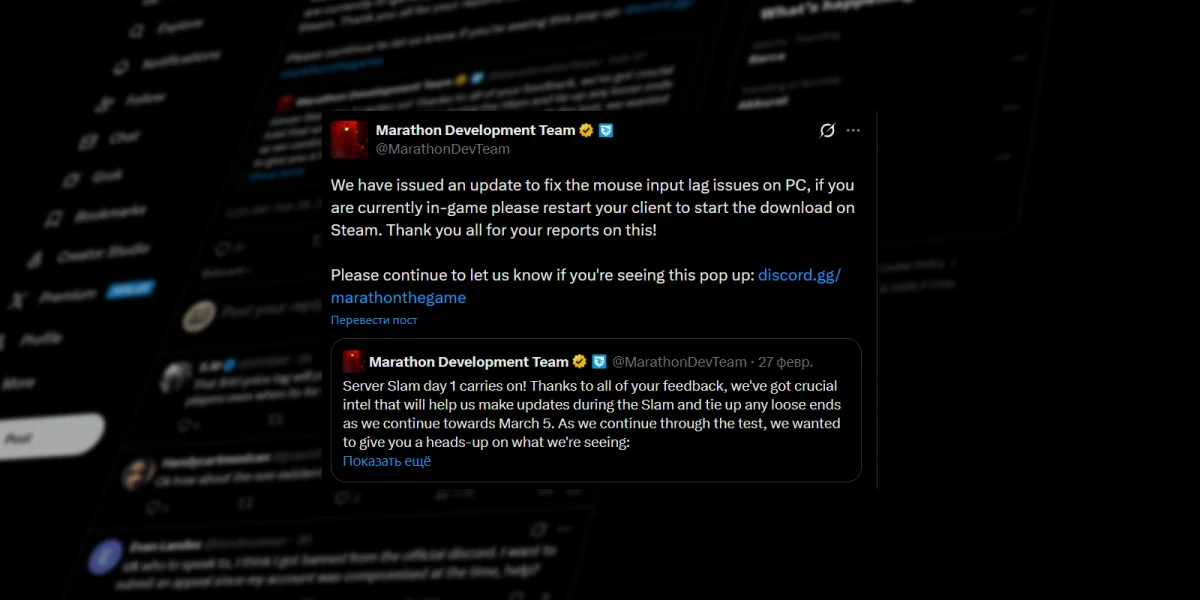
Bungie has acknowledged the issue through social media and a notice inside the game itself, confirming that a fix is in the works. Until that patch arrives, though, players are stuck troubleshooting with a mix of official advice and workarounds found by the community.
The Problem
The bug shows up in different ways depending on the player. Some see their cursor stutter the moment they hit a menu screen. Others lose their cursor entirely or find that mouse input just doesn't register. In the worst cases, the lag between moving a mouse and seeing anything happen on screen makes the game unplayable without a controller.
It also doesn't seem tied to any specific hardware. Reports have come in from players using Razer, Logitech, and other brands across mice of different ages and price points. That points to something on Marathon's software side rather than a hardware compatibility problem.
One theory floating around the community is that the bug isn't really a mouse issue at all. It may instead be a visual conflict between Marathon's cursor and whatever system the game uses to process mouse input, creating massive input lag. That's unconfirmed, but it would explain why the problem hits so many different setups.
Bungie's Official Guidance
Bungie's statement lays out a few recommended steps.
Players who are streaming should capture the full screen rather than the Marathon game window specifically. If that doesn't help (or streaming isn't involved), disabling the Discord and Steam overlays is next. The Steam overlay can be turned off under Settings → In Game by toggling off the overlay option.
Bungie also says the team is aware that certain outside utilities can cause the problem, and recommends closing any screen sharing, screen capture, or screen measurement tools running in the background.
The Most Reliable Fix So Far
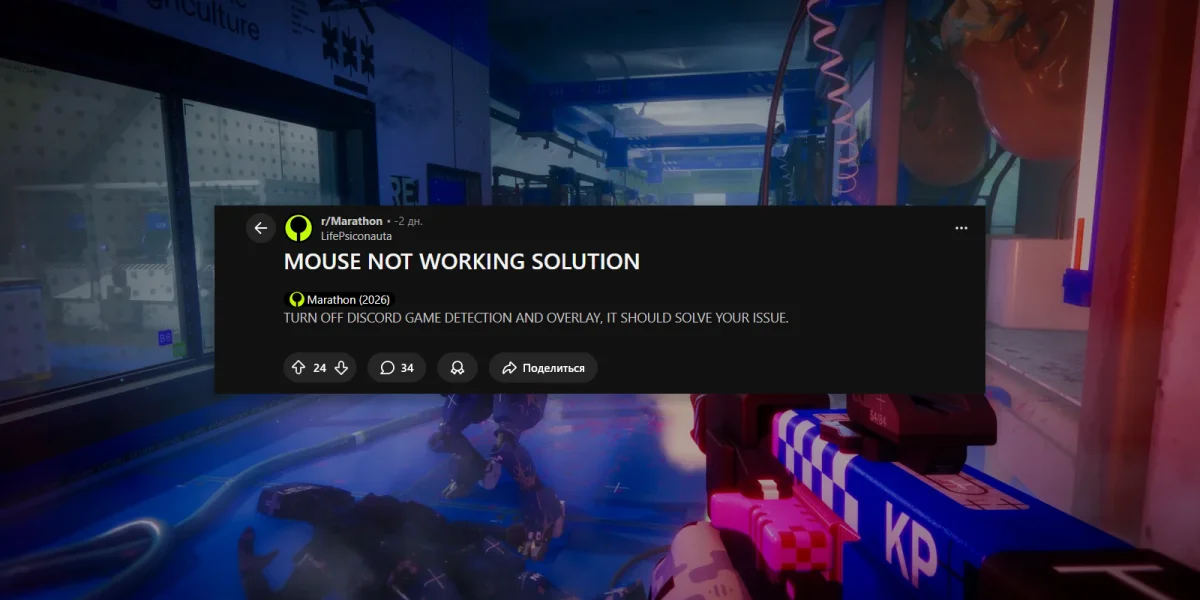
The official advice is a good starting point, but the most effective fix reported so far goes further: close Discord entirely. Not just the overlay. The whole app.
PC Gamer's Morgan Park reported that after disabling overlays, closing Razer mouse software, turning off Steam background recording, and even killing Nvidia Broadcast (a voice filter tool), nothing worked. Only shutting down Discord completely fixed the problem. After relaunching Marathon with Discord closed, mouse input was smooth. Park turned everything else back on, and as long as Discord stayed closed, the issue didn't come back.
That's obviously not great for a game built around squad play. Bungie's notice inside the game suggests Discord's web app as an alternative for voice chat while the bug persists.
Other Community Workarounds
Beyond Discord, the community has turned up a few more fixes with mixed results.
Playing in windowed mode has helped some players. Others have found that launching Marathon and avoiding any tab switching keeps the bug from triggering. And in some cases, simply waiting a couple of minutes after launch allows cursor sensitivity to return to normal on its own.
None of these are guaranteed. Disabling overlays alone wasn't enough for many players, and closing background software like mouse management suites or recording tools helped some people but not others. With so many different PC builds and software setups out there, a universal workaround probably won't exist until Bungie patches the actual cause.
Reporting the Bug
Bungie needs data to nail down a permanent fix. Players running into the mouse issue should report it on the Steam forums or Bungie.net and include system specs. The more detail the dev team gets about which setups are affected, the faster a proper patch can land.
Current Status
Marathon's mouse input bug is a real problem for the Server Slam, hitting players across a wide range of hardware and setups. Bungie is working on an official fix, but there's no timeline yet.
Closing Discord before launching the game remains the most reliable workaround. Disabling overlays and shutting down unnecessary background apps can also help, though results vary. For players who need voice chat, Discord's web app is the best stopgap until a patch drops.