

Player Housing finally arrives in World of Warcraft as a permanent feature that Blizzard plans to expand for years to come. You'll be able to purchase and decorate your own home within communal neighborhoods, visit other players' spaces, and collect decor items from nearly every activity in the game. The development team has positioned housing as a core pillar of WoW going forward, with its own content roadmap stretching through The Worldsoul Saga and beyond.
This guide covers everything you need to know: getting your home, understanding neighborhoods, mastering the decoration tools, and building out your collection.
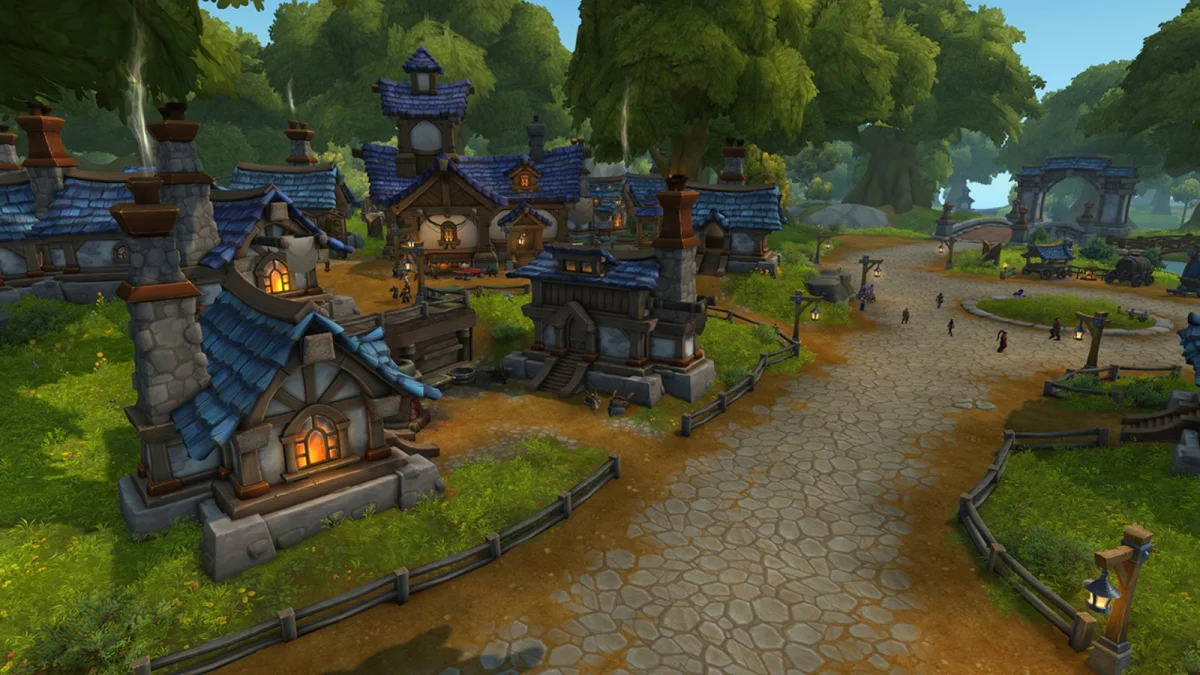
Accessing the Housing System
Who Can Access Player Housing?
You'll need to own the World of Warcraft: Midnight expansion to use Player Housing. That said, Blizzard has included a nice option for players who plan to buy later: you can start collecting decor items before owning the expansion. This gives you a head start on your collection for whenever you decide to unlock housing.
Early Access for Pre-Order Customers
Pre-ordering any version of Midnight grants early access to housing through Patch 11.2.7, which launches December 2, 2025. This three-month window lets dedicated decorators set up their homes and start collecting well before the expansion's full release.
Standard Access
If you don't pre-order, you'll get housing access when Midnight fully launches on March 2, 2026.
Getting Your First Home
Starting the Quest Chain
Getting your home is simple. When you log in after Patch 11.2.7 (for pre-order customers) or after Midnight's launch, an introductory quest pops up automatically. The quest chain walks you through purchasing and decorating your first home, and it won't take long before you're free to explore all the creative options.
The quest chain has four parts:
- A House For You
- My First Home
- Welcome Home
- Time to Decorate
Purchase Cost and Warband Ownership
Your first home costs just 1,000 gold. Blizzard intentionally set this low to keep housing accessible. They've been clear about their design goals: no ridiculous requirements, no expensive buy-ins, no lottery systems, and no tedious upkeep. If you want a house, you can have one.
Houses are shared across your entire Warband, so all your characters can access the same homes. Your decor collection works the same way. Items earned on any character become available for decorating no matter who collected them.
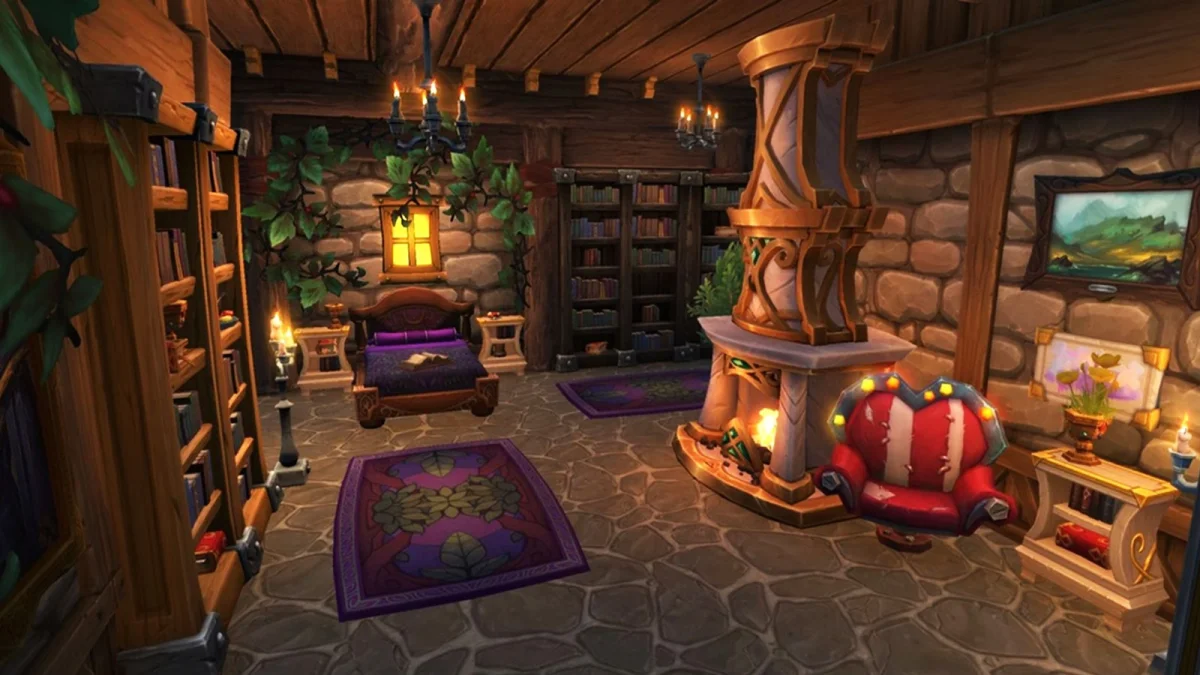
Two Homes Per Warband
Each Warband can own up to two houses: one in the Alliance neighborhood (Founder's Point) and one in the Horde neighborhood (Razorwind Shores). You'll need a character of the matching faction to make the initial purchase. Your Human can't directly buy a house in the Horde zone, for example. But if your Troll buys a home in Razorwind Shores, your Human can then use that house freely.
This cross-faction flexibility applies to the whole neighborhood, too. Once you own a home somewhere, any character in your Warband can shop at vendors and explore that neighborhood regardless of faction.
Subscription Concerns
Your house stays safe even if your subscription lapses. Blizzard has confirmed that homes aren't repossessed when you're unsubscribed, so you won't have the maintenance anxiety that plagues housing in some other MMOs.
Traveling to Your Home
Portal Room Access
Characters whose faction matches their neighborhood can use dedicated portals in the Stormwind and Orgrimmar portal rooms. Tocho Cloudhide attends the Horde portal, while Lyssabel Dawnpetal handles the Alliance side.
The Housing Dashboard Teleport
The Housing Dashboard (a new interface accessible from your menu bar, default keybind H) includes a built-in teleport that works like a Hearthstone. It takes you directly to your plot on a 15-minute cooldown, giving you convenient access from anywhere.
Relocating Your Home
How Moving Works
If you're unhappy with your plot's location, moving is both simple and free. Browse available plots using your map or walk through the neighborhood until you find somewhere better. Click on the Cornerstone sign at the front of the empty plot and select the move option. Your house packs up and transfers instantly.
Your Customization Stays Intact
All your work comes with you. Interior design, exterior modifications, landscaping: everything remains exactly as you left it during the move. You can experiment with different plot locations without worrying about losing hours of decorating progress.
Understanding Neighborhoods
Why Neighborhoods Exist
Blizzard designed housing around social interaction from the start. Houses aren't isolated instances. They exist within communal neighborhoods where you can visit other players' homes and participate in group events that reward decor items.
Neighborhood Size and Launch Zones
Two neighborhoods launch with the system: Founder's Point for Alliance and Razorwind Shores for Horde.
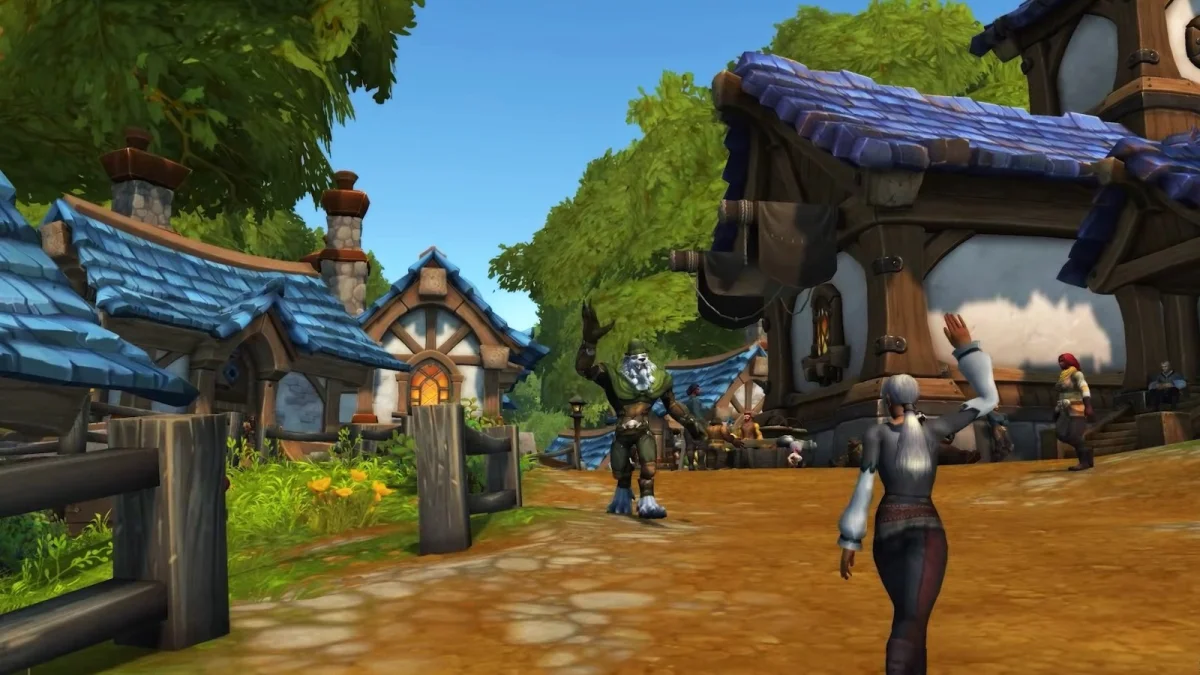
Public vs. Private Neighborhoods
Public Neighborhoods are server-maintained and group random players together as neighbors. You might meet some interesting people this way.
Private Neighborhoods give smaller groups control over membership. These work well for friend circles or guilds who want to live near each other. Private neighborhoods can be Guild Neighborhoods (created by guilds) or Charter Neighborhoods (created through a charter system for non-guild groups). They adopt the faction location of whoever creates them.
Cross-Faction Visiting
Faction barriers are minimal in the housing system. You can visit friends' and guildmates' houses and neighborhoods freely. If your Guild Neighborhood sits in the opposite faction's zone from your main character, you can still build, live, wander, and shop there without restrictions.
Managing Visitors
Privacy Settings Location
Find your visitor permissions by clicking the gear icon next to the "Edit House" button while standing on your plot.
Customizable Access Levels
You can set permissions separately for neighbors, guild members, party members, and friends. The system also lets you control interior and exterior access independently, so you can let neighbors onto your yard while keeping your house private, or vice versa.
The Housing Dashboard
The Housing Dashboard serves as your central hub for all housing activities. Access it through the menu bar to:
- Track Neighborhood Favor: See your current standing within your neighborhood. This likely influences rewards or unlocks, though specific mechanics should be verified at launch.
- Manage Endeavors: Check what activities are available in your neighborhood. These represent goals that reward housing items.
- Teleport Home: Use the built-in Hearthstone function to travel directly to your homes.
- Browse Plots: View available plots across neighborhoods when you're thinking about relocating.
- Explore the Decor Catalog: Search through and preview all decor items currently in the game. This works as both a collection tracker and a planning tool for your projects.
Customization Tools
Freedom in Design
Player Housing gives you extensive control over layout, design, and item placement. One notable design choice: your interior space isn't restricted by your exterior footprint. Your house can be much larger inside than it appears from outside.
Basic Customization Mode
Basic controls work well for most players. You get mouse wheel adjustments for positioning, toggleable grid-snapping for alignment, and the option to disable collision detection when you want more creative freedom with overlapping or tightly-placed items.
Advanced Customization Mode
Advanced controls unlock the full potential of the system. You can scale items up or down, rotate them a full 360 degrees for precise orientation, and use a nudge function for delicate adjustments. Those impressive builds you've seen on social media and YouTube? They're using these Advanced Controls.
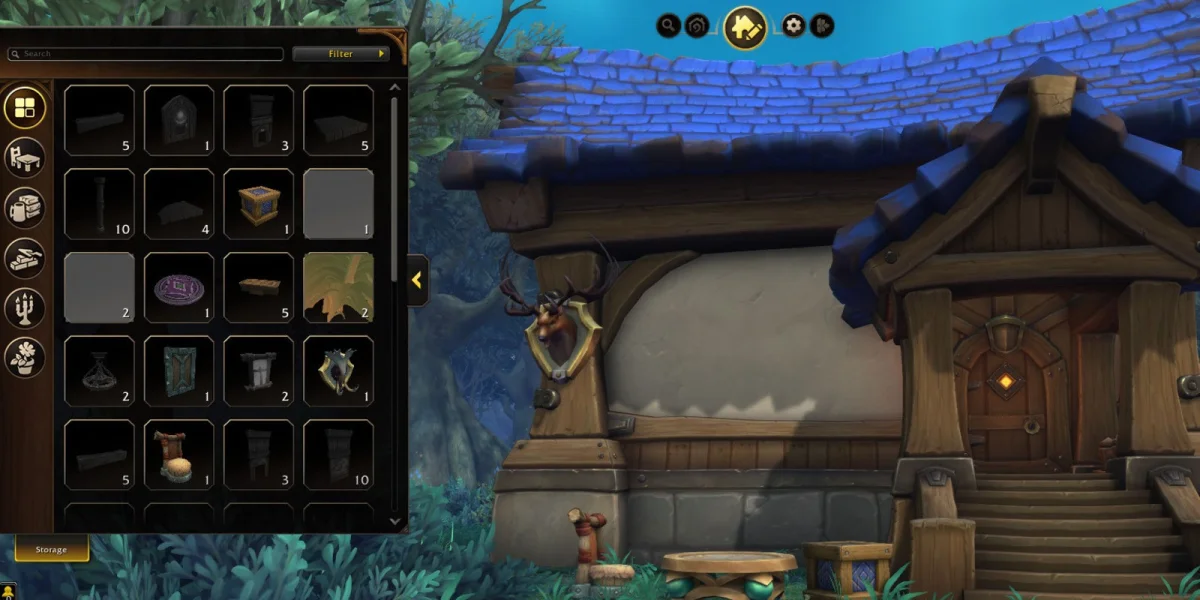
Exterior Customization
External Architecture Kits
At launch, exterior customization works through themed decor kits. Four are available: Orc and Blood Elf kits work only in the Horde Neighborhood, while Human and Night Elf kits work only in the Alliance Neighborhood.
After picking your kit, you can customize further with options for Base Style, Roof Style, Roof Color, Windows, Wall Fixtures, and other architectural elements.
Yard and Outdoor Decoration
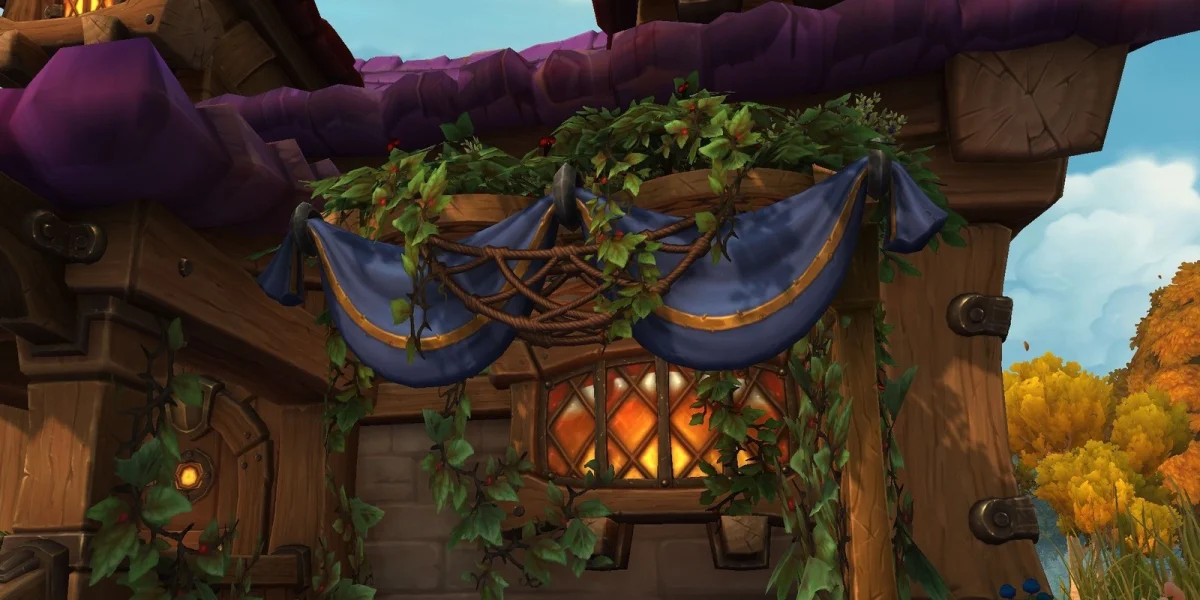
Each plot includes a substantial yard. The decor catalog offers plenty of options for landscaping and outdoor furnishing. Some large structures (gazebos, market stalls, fountains, and similar items) can only go outside. Most interior furniture and decor can be placed in your yard too, letting you create outdoor entertainment areas, gardens, or whatever fits your vision.
Interior Customization
Interior Size Independence
Your house interior isn't bound by the exterior's physical constraints. Interior size depends only on your housing level and imagination, allowing for surprisingly spacious indoor areas.
Layout Flexibility
You can adjust interior layouts easily through the interface. Leveling up your home unlocks new room options and layout possibilities.
Interior Structural Elements
Beyond furniture, you can place structural elements to divide and define your spaces. Pillars, doors, doorways, and various wall types all help you shape your rooms. Interior structures come in multiple themes to match your aesthetic, and they're valuable for creating interesting, well-defined spaces even within square rooms.
Building Your Decor Collection
Warband-Wide Collection
Decor items are Warbound. Anything earned by any character becomes available to your entire Warband for decorating.
Quantity Matters
Decor items are quantity-specific. If you want to use the same fence style in both your Alliance and Horde yards, you'll need enough individual fence pieces for both properties. Plan your collecting accordingly if you intend to fully decorate multiple homes.
Where Decor Comes From
Blizzard's Design Principles
Three core philosophies guide the decor reward system:
- Progressive Journey: Getting any single decor piece should be achievable, but completing the entire catalog should be extremely difficult. This creates both accessibility and long-term goals.
- Core Gameplay Integration: Decor comes from all types of content: peaceful reputation grinds, every form of PvP, professions, and boss kills. The system appeals to every type of player.
- Respecting Past Effort: Your previous playtime counts. Old achievements and past accomplishments contribute to your collection, so veterans start with a head start rather than from zero.
Specific Sources
Decor items come from virtually every type of gameplay:
- PvP Content: Various items reward participation in player versus player activities.
- Professions: Both crafting activities and profession achievements grant decor rewards.
- Quest Achievements: Expansion meta-achievements and quest milestones unlock decor items.
- Raids: Some decor can be purchased from vendors inside raid instances, like within Amirdrassil.
- Reputations: Older reputation vendors, including those from Legion and other past expansions, sell decor items.
Placing and Positioning Decor
Placement Flexibility
Nearly every decor item (from large-scale pieces like a towering Dark Portal replica down to the smallest candle) can be placed with precision according to your preferences.
Basic Placement Tools
Basic controls allow for reasonably accurate positioning using mouse wheel adjustments. Grid-snapping can be toggled on for alignment help or off for freeform placement. Disabling collision lets you overlap items or arrange them in tight configurations.
Advanced Placement Tools
For maximum control, Advanced Controls offer item scaling, full 360-degree rotation, and a nudge function for delicate position adjustments.
The Dye System
Obtaining Dyes
Dyes come from two main sources: the Auction House and player crafting. Two professions work together to produce them: Inscription provides pigment through milling, and Alchemy transforms those pigments into usable dyes.
Applying Dyes
Most items have multiple zones that can be dyed independently. This allows detailed color customization to match whatever aesthetic you're going for.
Recommended Addons
Home Bound
This addon organizes all achievements that grant Player Housing rewards in a clean format. It provides 3D previews of the decor item each achievement rewards, making collection planning much easier for completionists.
Instance Achievement Tracker
When you enter any instance, this addon reminds you (and your party members) which achievements you still need. It tracks progress during fights in real time. You'll find it invaluable when tackling difficult raid and dungeon achievements tied to high-value decor rewards.
Quick Reference
| Feature | Details |
|---|---|
| Cost | 1,000 gold per house (two maximum per Warband) |
| Locations | Founder's Point (Alliance), Razorwind Shores (Horde) |
| Moving Cost | Free |
| Teleport Cooldown | 15 minutes via Housing Dashboard |
| Neighborhood Types | Public (random grouping) or Private (controlled membership) |
| Faction Restrictions | Purchase requires matching faction; access afterward is cross-faction for Warband members |
| Subscription Safety | Houses are retained during subscription lapses |
| Decor Sharing | Warbound across all characters |
| Interior Sizing | Not restricted by exterior footprint |
| Customization Modes | Basic (accessible) and Advanced (precision control) |